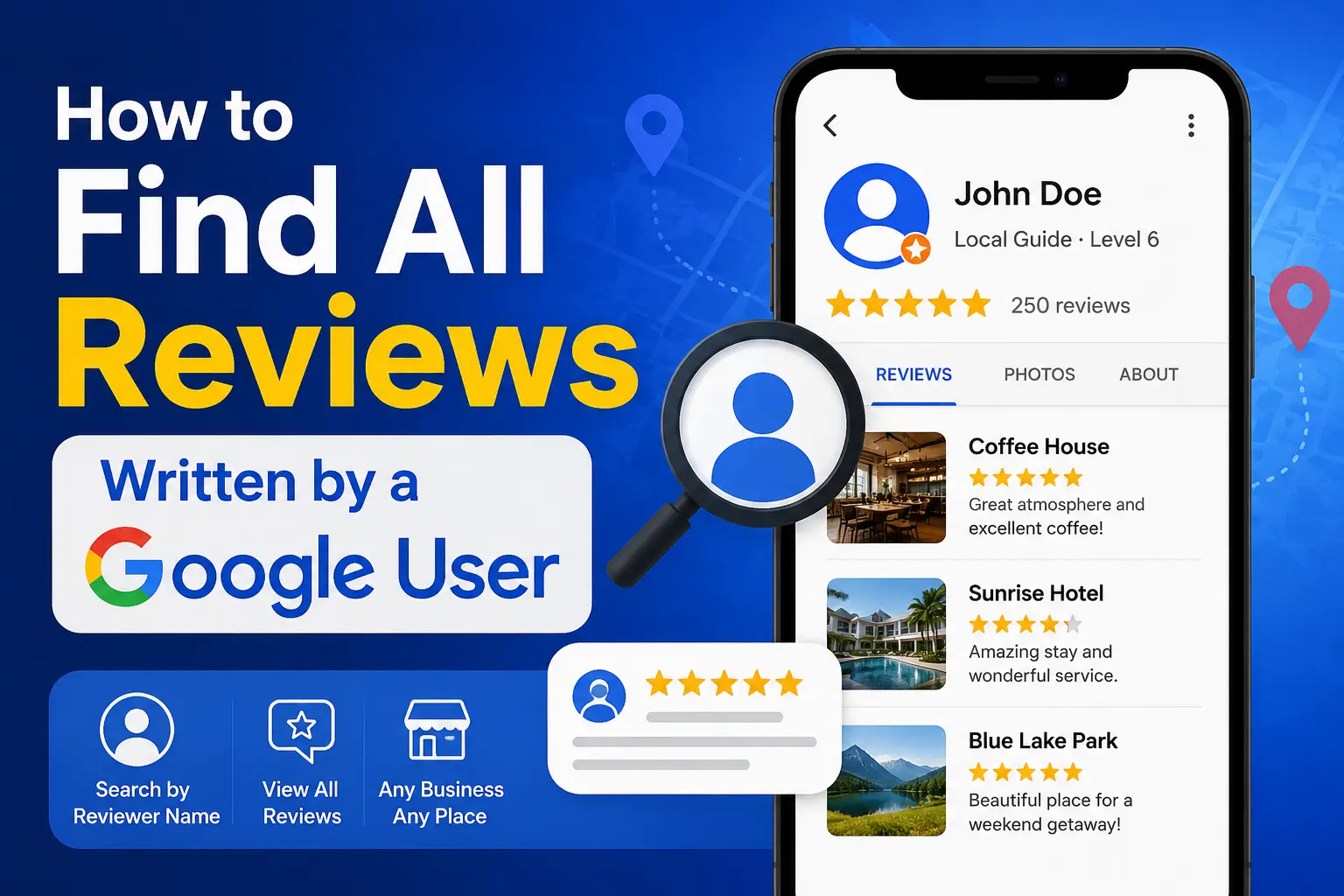

Google reviews help people learn about businesses, restaurants, hotels, attractions, and services before making a decision. Sometimes you may want to find all reviews written by a specific person, whether it’s your own review history, a customer’s reviews, or reviews from a trusted reviewer.
In this guide, you’ll learn how to find Google reviews by user, search Google reviews by reviewer name, and see all reviews from a Google account when that information is publicly available.
Can You Find All Reviews Written by a Google User?
Yes, but with limitations.
Google allows users to make their reviews publicly visible. If a reviewer has a public Google profile, you may be able to view reviews they have posted on businesses through Google Maps and Google Search.
However, Google protects user privacy. You cannot access private account information, email addresses, or hidden reviews.
What you can typically see:
✅ Public reviews
✅ Review ratings
✅ Photos shared with reviews
✅ Public profile information
✅ Number of reviews contributed
What you cannot see:
❌ Private account details
❌ Deleted reviews
❌ Hidden reviews
❌ Personal contact information
How to Find Google Reviews by User
The easiest method is through Google Maps.
Method 1: Open the Reviewer’s Public Google Profile
Step 1: Find a Review Written by the User
Search for a business where the person has left a review.
For example:
- Restaurants
- Hotels
- Local businesses
- Tourist attractions
Scroll to the review section and locate the reviewer’s name.
Step 2: Click the Reviewer’s Name
In many cases, clicking the reviewer’s name opens their public contributor profile.
Google may display:
- Total reviews
- Photos uploaded
- Places reviewed
- Local Guide level
Step 3: Browse Their Reviews
If the profile is public, you can scroll through reviews they have posted across different businesses.
This is often the easiest way to see all reviews from a Google account that has public contributions enabled.
How to Search Google Reviews by Reviewer Name
Many people search:
“How can I search Google reviews by reviewer name?”
Unfortunately, Google does not provide a dedicated search feature that lets users search all reviews across Google using only a reviewer’s name.
However, there are several workarounds.
Method 2: Use Google Search
Try searching: “John Smith” Google reviews
OR
site:google.com/maps “John Smith”
You can also combine a reviewer name with a business name:
“John Smith” “Starbucks”
This may help locate reviews indexed by Google Search.
Method 3: Search Within a Business Review Section
If you’re trying to find reviews written by a particular customer on a business profile:
- Open the Google Business Profile.
- Navigate to reviews.
- Use the review search feature if available.
- Enter the reviewer’s name.
Some business listings allow filtering reviews, making it easier to locate a specific reviewer.
How to See All Reviews From a Google Account
There are two common situations.
Viewing Your Own Reviews
If you’re looking for reviews you personally wrote:
On Desktop
- Visit Google Maps.
- Sign into your Google account.
- Open the menu.
- Click Your Contributions.
- Select Reviews.
You’ll see all reviews associated with your account.
On Mobile
- Open Google Maps.
- Tap your profile picture.
- Select Your Profile.
- Tap Reviews.
You can view, edit, or delete your reviews.
Viewing Another User’s Reviews
If the user has a public profile:
- Open one of their reviews.
- Click their profile name.
- Access their public contributor page.
- Browse available reviews.
Keep in mind that not every Google user makes their profile public.
Why Can’t I See All Reviews From a User?
There are several reasons.
Private Profile Settings
Some users limit what others can view.
In these cases, you may see:
- Profile photo
- Name
But not their full review history.
Deleted Reviews
If a review was removed by:
- The reviewer
- The business owner through policy enforcement
It will no longer appear.
Suspended Google Accounts
Google occasionally suspends accounts that violate review policies.
When this happens, review visibility may be reduced or removed.
Can Businesses Search Google Reviews by Customer Name?
Business owners frequently ask this question.
The Answer
Partially.
If a customer leaves a review under their public Google profile, business owners can view:
- Display name
- Review content
- Star rating
- Public profile information
However, businesses cannot access:
- Email addresses
- Account login information
- Private Google account details
Google keeps customer information protected.
Can You Search Google Reviews Across All Businesses?
Google does not currently offer a universal review search engine that searches every review ever written.
Instead, searches are generally limited to:
- Individual business listings
- Public contributor profiles
- Google Search results
Because of this limitation, finding reviews from a specific user often requires locating one of their public reviews first.
Tips for Finding Reviews Written by a Specific Person
Use Exact Name Searches
Search: “Reviewer Name” Google Maps
Using quotation marks can improve accuracy.
Include the Business Name
Search: “Reviewer Name” “Business Name”
This narrows results significantly.
Look for Local Guide Profiles
Many active reviewers participate in Google’s Local Guide program.
Local Guides often have:
- Hundreds of reviews
- Public profiles
- Photos
- Review histories
These profiles are generally easier to explore.
Check Multiple Reviews
If the reviewer is active, they may appear on several local business listings.
Finding multiple reviews increases your chances of accessing their public profile.
Common Reasons People Search Google Reviews by User
People often want to:
- Verify review authenticity
- Research customer feedback patterns
- Track their own review history
- Find recommendations from trusted reviewers
- Analyze competitor reviews
- Locate reviews mentioning specific experiences
Understanding how public reviewer profiles work can make this process much easier.
Frequently Asked Questions
Can I find Google reviews by user name?
Yes, if the user has a public Google profile and public reviews. You can often access their reviews by clicking their reviewer profile.
Can I search Google reviews by reviewer name?
Google does not provide a dedicated reviewer-name search tool, but you can use Google Search, Google Maps, and public contributor profiles to locate reviews.
Can I see all reviews from a Google account?
You can view all reviews from your own account through Google Maps. For other users, only publicly available reviews can be viewed.
Can businesses see all reviews from a customer?
Businesses can see public reviews left on their profiles but cannot access private Google account information.
Why can’t I open a reviewer’s profile?
The user may have restricted profile visibility, deleted their reviews, or removed their public contributions.
Final Thoughts
Finding Google reviews written by a specific user is possible when the reviewer has a public Google profile. While Google does not offer a direct “search all reviews by reviewer name” feature, you can often locate public reviews through Google Maps, Google Search, and contributor profiles.
Whether you’re trying to find Google reviews by user, search Google reviews by reviewer name, or see all reviews from a Google account, understanding Google’s privacy settings and public profile system is the key to successfully locating review history.